
General settings
If you want to change the language or your master data, click on the blue settings wheel.
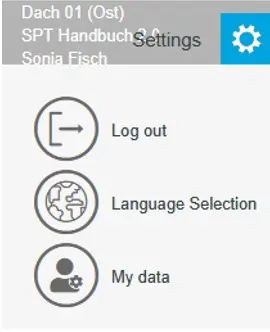
Under “My data” you can set the master data, which can also be displayed in the project report. The password can also be changed here.
The basic settings for the inverter design can be changed in the “E-Designer Settings” function.
The imprint field at the bottom of the first page of the report can also be freely customised here by adjusting the text in the freely editable text field at the top under “Offer Text Modules for Header and Footer”.