
Project – Project location
To start a new project in Polysun SPT, click on “Create new project” in the menu bar. You are now automatically in the project editor. Here you can enter the master data, project address and shipping address. We recommend that you select the project address using the “Google search”, as this automatically determines the height above sea level for calculating the snow load.
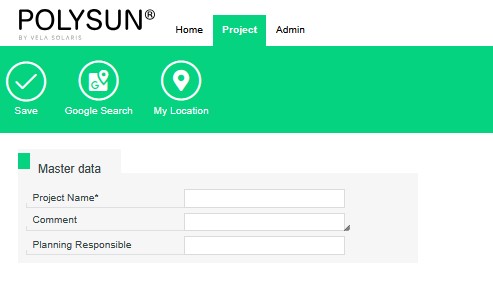
If you open the project editor for an existing project, you will also find the following options:
- Authorisations
- Assign customer
- Create new customer
- Upload image
With the “Upload image” option, you can store an image of the building, for example. This is then displayed in the project report.